
Best viewed on desktop or laptop.
This dashboard is optimized for desktop viewing. Mobile preview is available, but some details are easier to read on a larger screen.
Case Study / Telco Operations / Analytics Dashboard
Event Dashboard
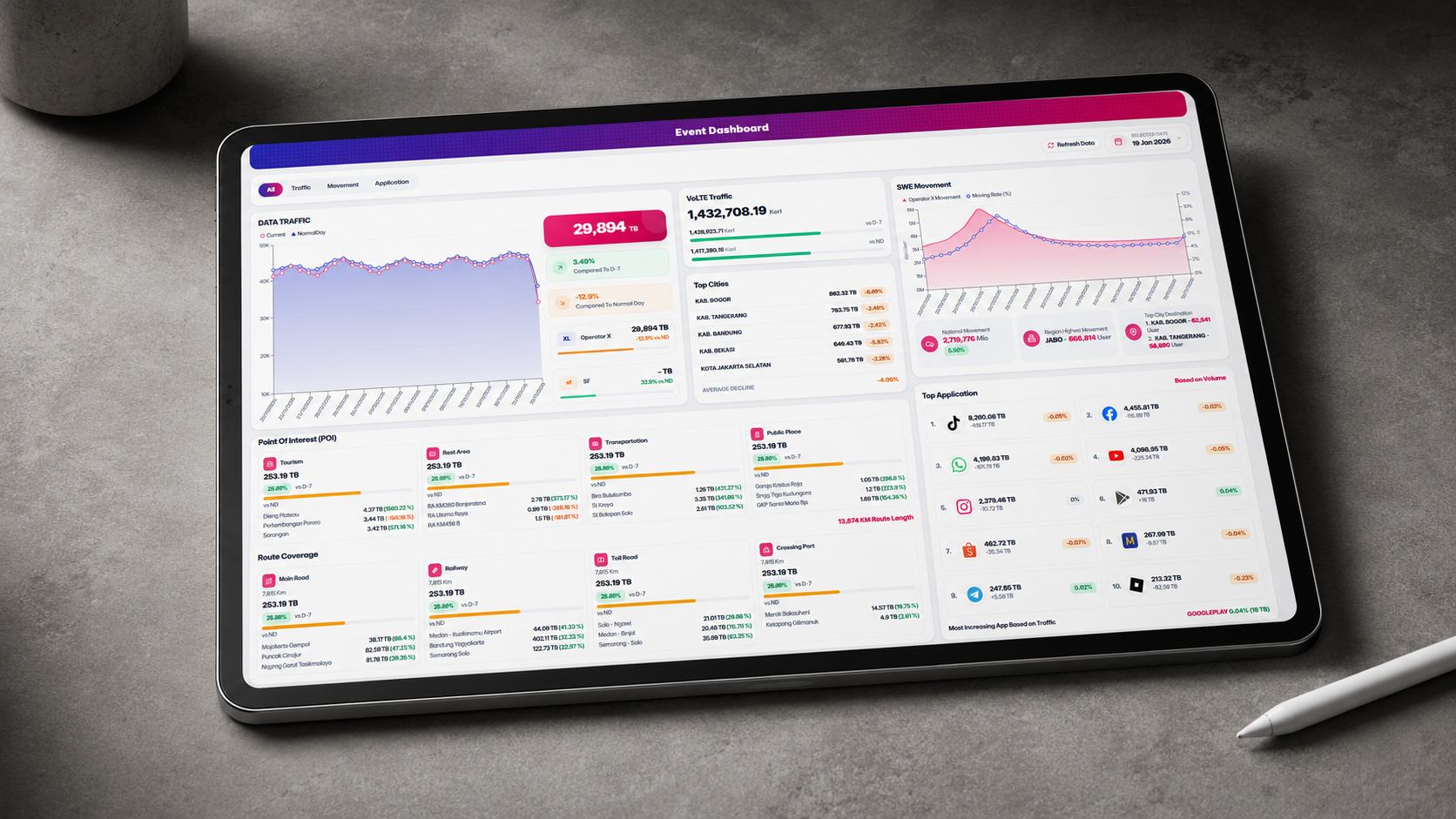
A responsive event monitoring dashboard that consolidates network traffic, movement, location activity, and application usage into one executive-ready view for faster operational monitoring during peak event periods.
Category
Telco Operations / Analytics Dashboard
Role
UI/UX direction, dashboard hierarchy, frontend implementation
Tools
React, TypeScript, Tailwind CSS, Recharts
Year
2026
Project Type
Dashboard / Reporting / Telco Operations
This dashboard is optimized for desktop viewing. Mobile preview is available, but some details are easier to read on a larger screen.
Project Overview
Overview
Event Dashboard brings high-volume telecom monitoring data into a single responsive interface. It is designed to help teams quickly scan traffic trends, movement patterns, top cities, POI activity, route coverage, and top application usage without jumping between separate reports.
Problem
The field workflow gap
During large events or seasonal traffic periods, operational teams need to understand several indicators at once: traffic volume, mobility movement, city performance, location-based activity, route coverage, and application usage. When this information is scattered across different reports, it becomes harder to detect patterns quickly and communicate updates clearly to stakeholders.
Role
What I handled
I shaped the dashboard hierarchy, defined the visual structure, organized the key metrics, refined the chart presentation, and guided the responsive implementation. I also used AI-assisted development to accelerate UI iteration while manually reviewing spacing, readability, chart behavior, responsive layout, and visual consistency.
Product / Design Process
How the dashboard was shaped
Mapped the key monitoring needs across traffic volume, movement, top cities, POI, route coverage, and top application usage.
Structured the dashboard into clear executive sections so users can scan the most important information quickly from one page.
Iterated the visual layout, chart styling, interaction behavior, and responsive design to make the dashboard feel closer to a real operational monitoring tool.
Solution
The dashboard direction
The final dashboard uses a compact executive monitoring layout with clear data grouping, visual trend indicators, chart-based comparison, responsive cards, interactive filters, a custom date selector, refresh animation, and dummy drill-down popups. The design keeps information dense but still readable for portfolio presentation and operational storytelling.
Key Features
What the dashboard includes
Tools
Tools & Technologies
Frontend
Design
AI Assistance
Impact
Outcome
The dashboard prototype demonstrates how complex telecom event data can be organized into a single, readable monitoring view. It helps communicate traffic trends, movement patterns, location activity, and application usage in a way that is easier to scan, present, and iterate.
What I Learned
Reflection
This project reinforced that dashboard design is not only about showing many metrics, but about deciding which information should be visible first, how charts support decision-making, and how layout density must be balanced with readability.
Other Projects
More selected work
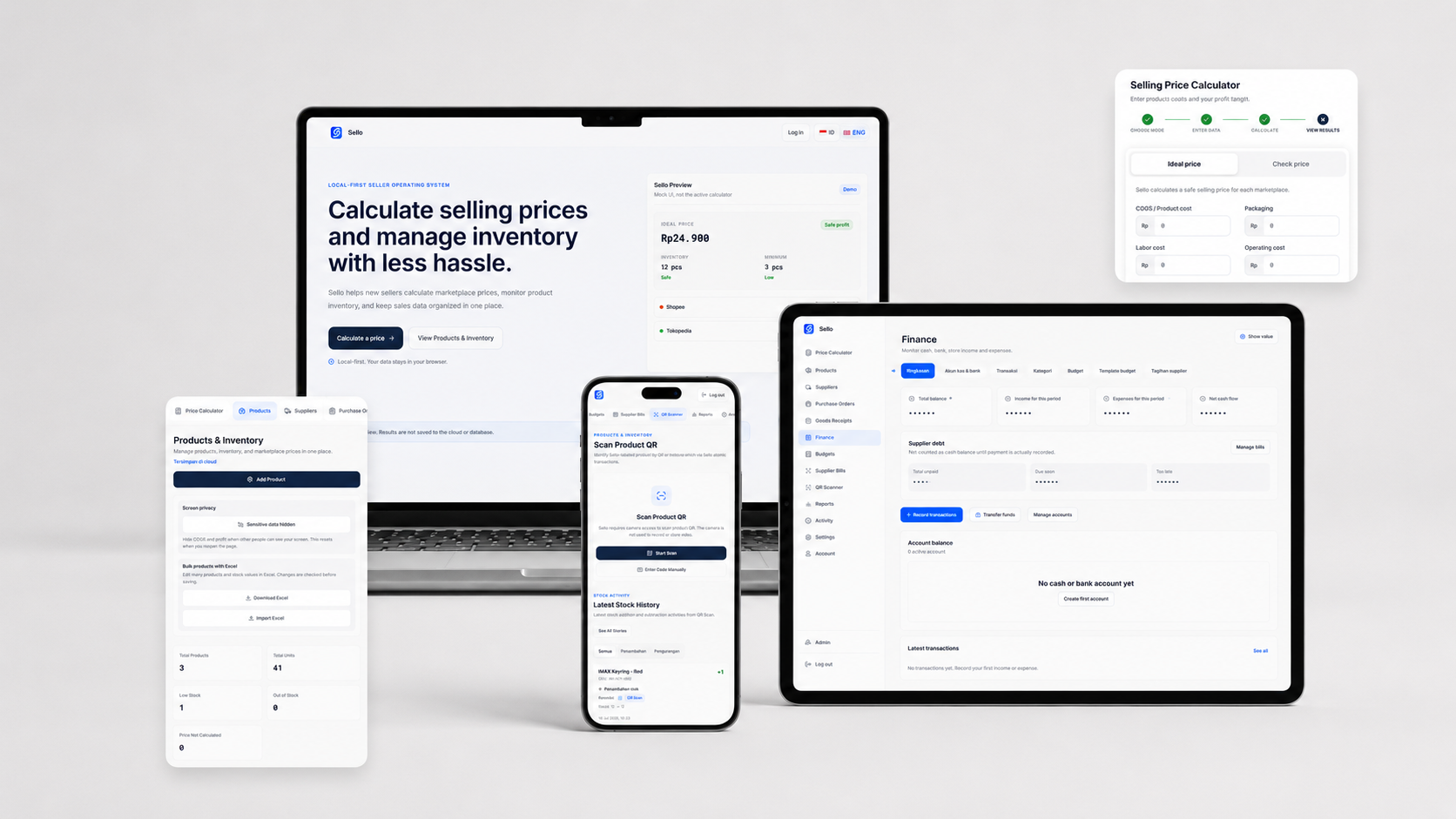
Product Design · Full-Stack Development
Sello — Seller Operations System
A lightweight, cloud-based Seller Operations System for Indonesian online sellers.
View Case Study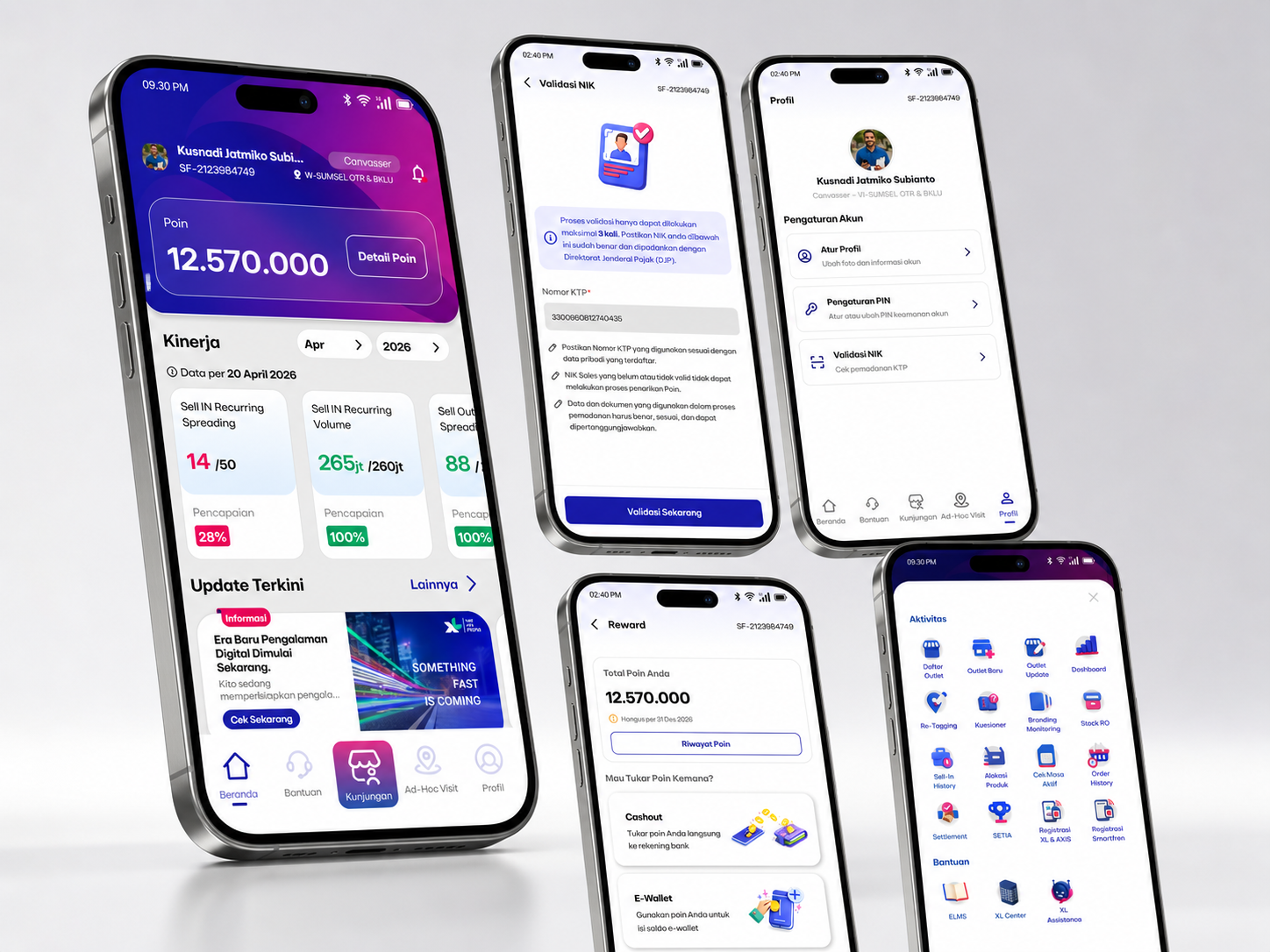
Field Sales Operations App
OWS Drive
A mobile-first operations dashboard designed to help telco field and internal teams access performance, points, updates, service shortcuts, and daily activity context in one simple interface.
View Case Study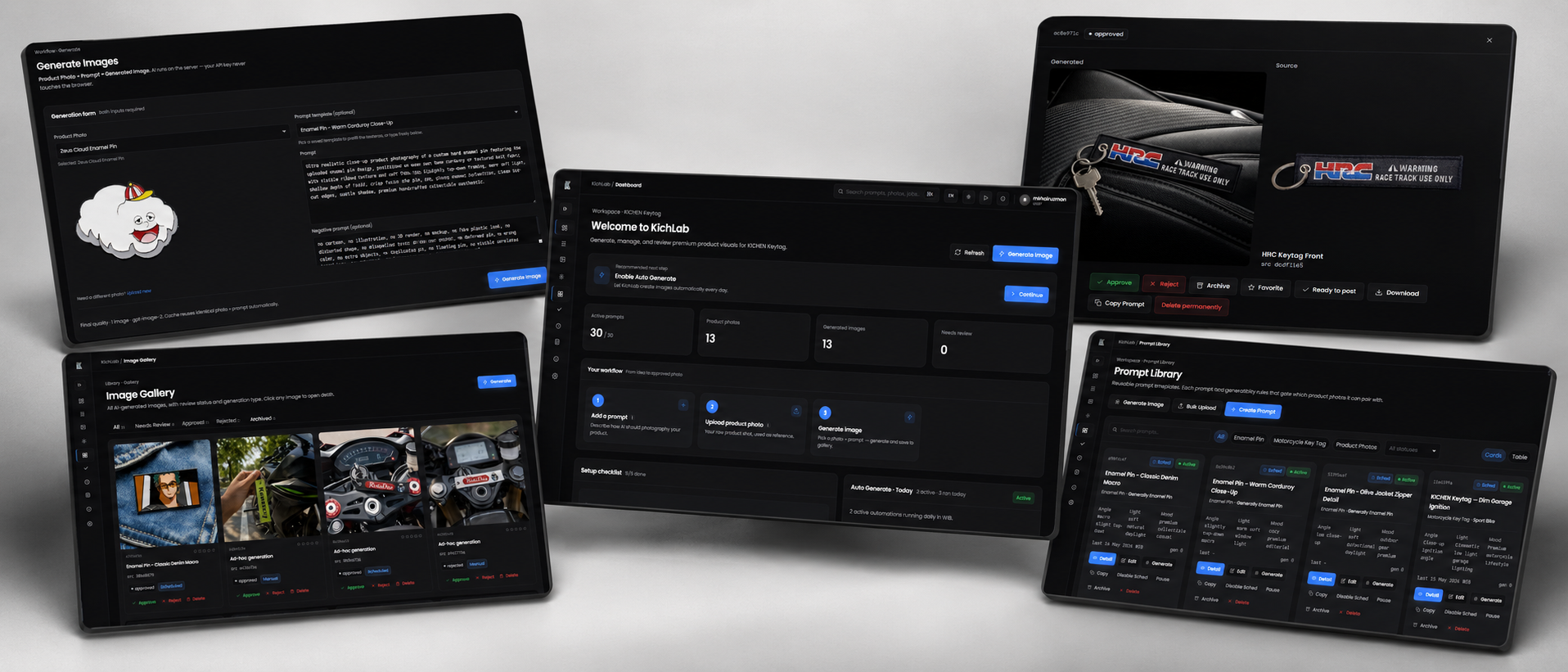
AI Content Generation Tool
KichLab
An AI-powered creative automation tool designed to help business owners generate product content automatically through prompt libraries, category-based workflows, and scheduled AutoGeneration.
View Case Study